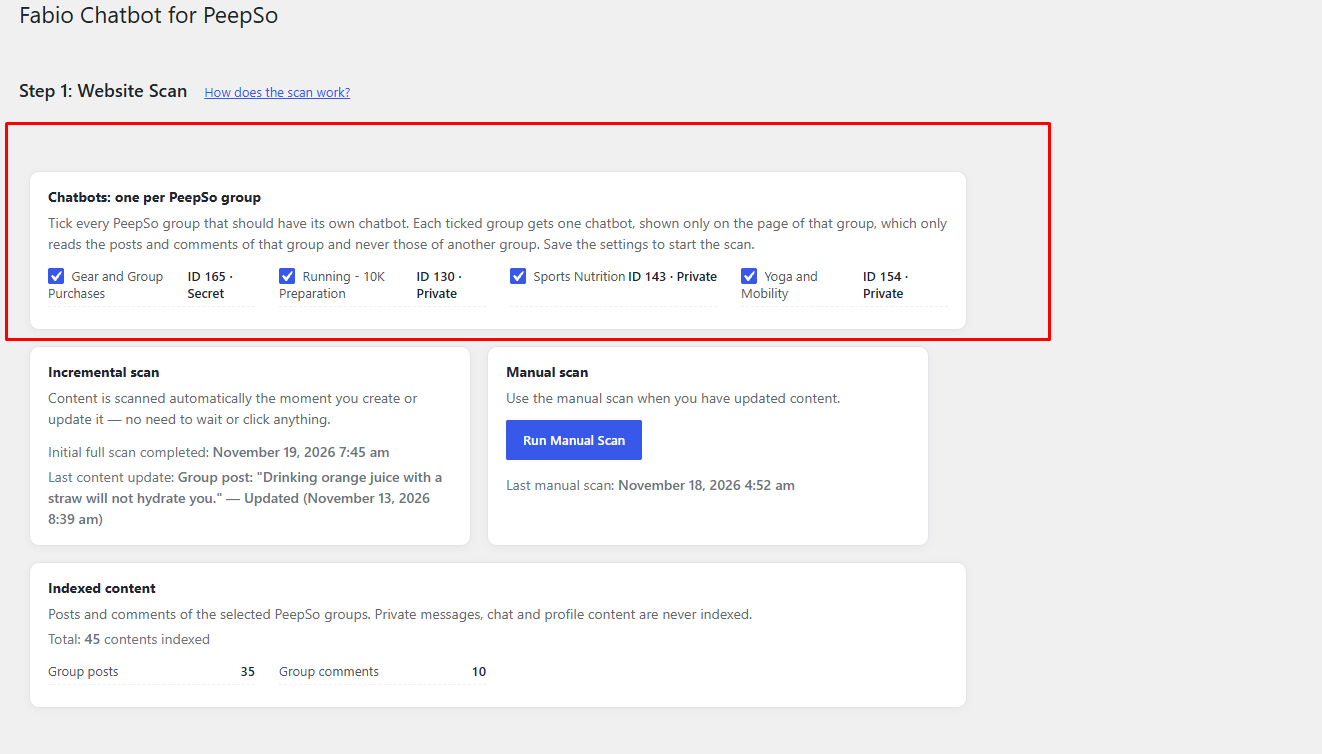
To make sure an agent can only inform users with content from within the group, each group will have its own chatbot.
First, take out a subscription with a 30-day free trial, download and install the plugin as you would any plugin, then activate it with your licence key.
Then go to your dashboard. The first thing you will see is the list of your groups. Tick any group you wish to install Fabio Chatbot on; you can use the same licence on unlimited groups.
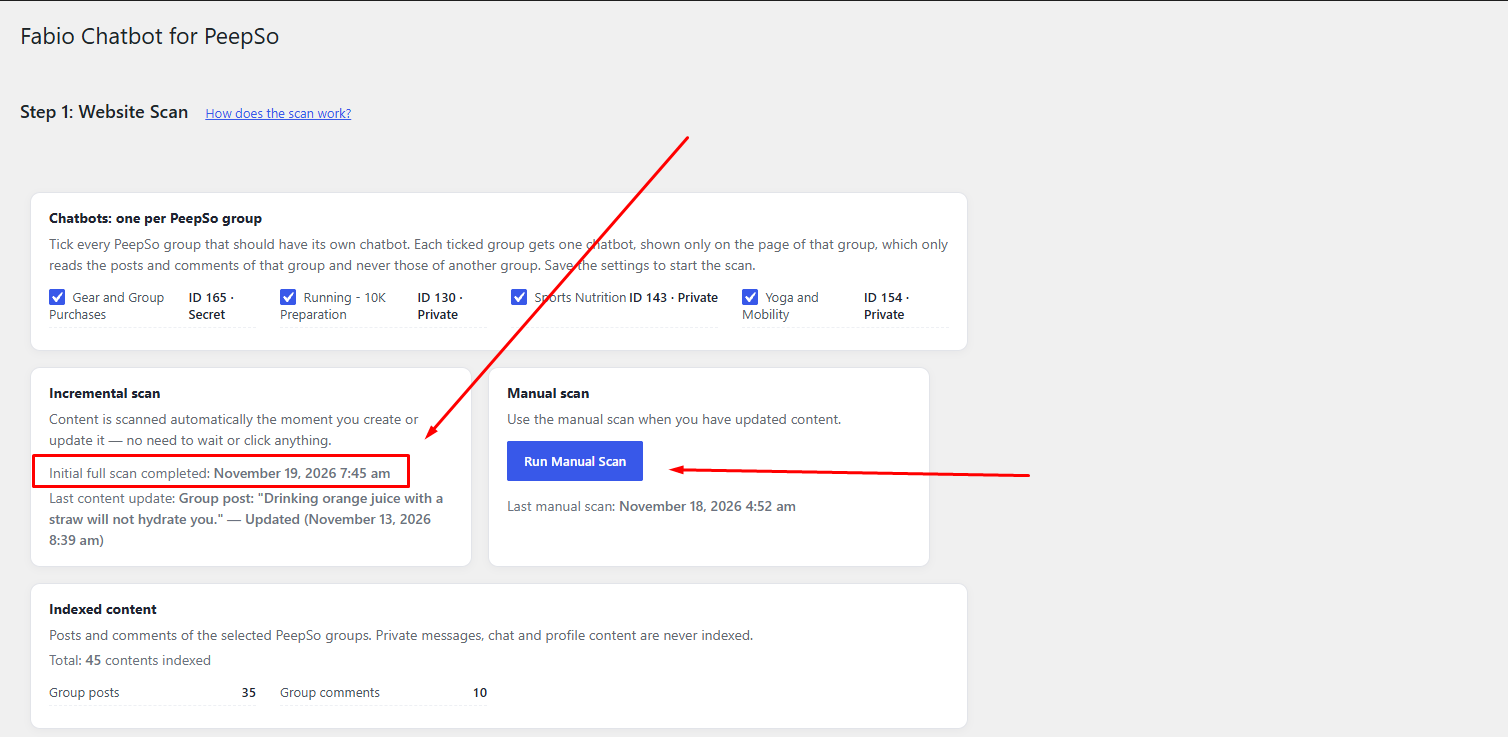
When you save the Fabio Chatbot settings, an automatic initial scan is launched. You can see the date and time it was completed. This initial scan only runs at installation, so if you only install once, this figure will not change. You can also run a manual scan whenever you wish.
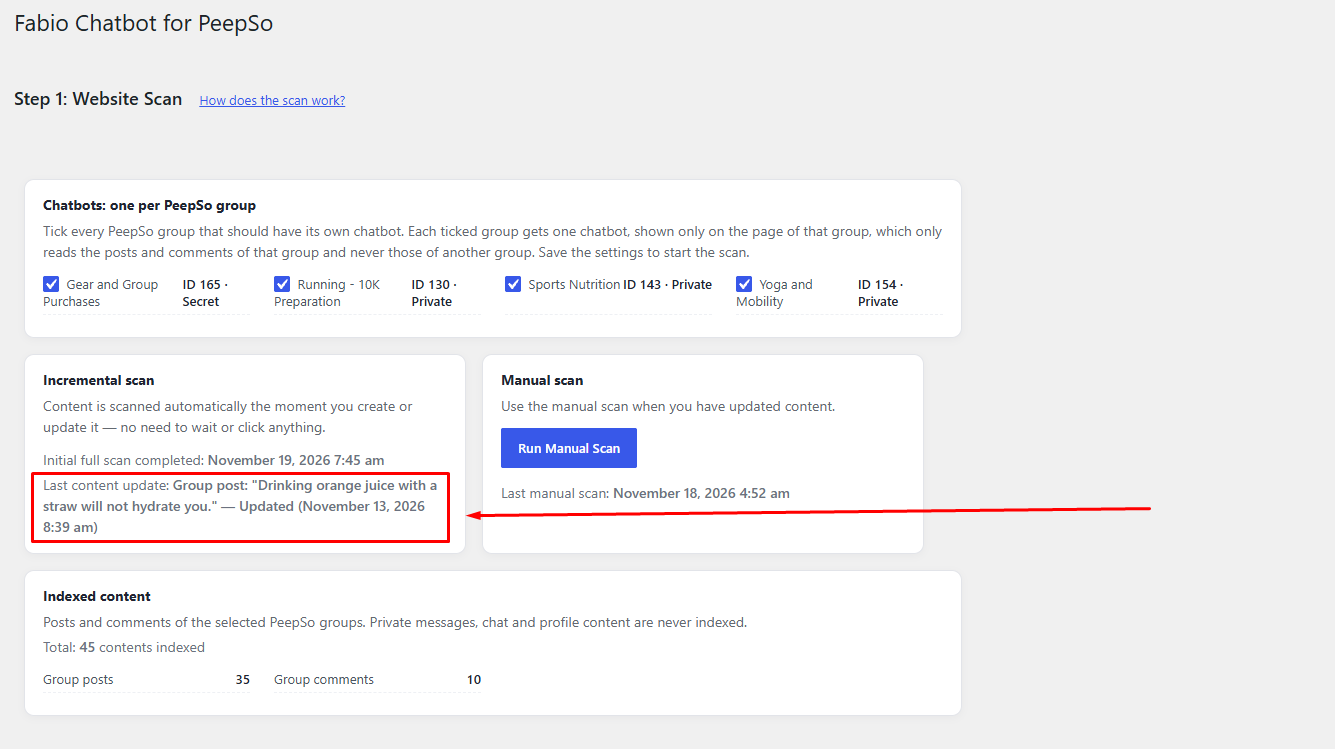
After that, every time you post new content or a member posts a comment, an incremental scan launches automatically and scans only what was just created. This saves tokens and server resources.
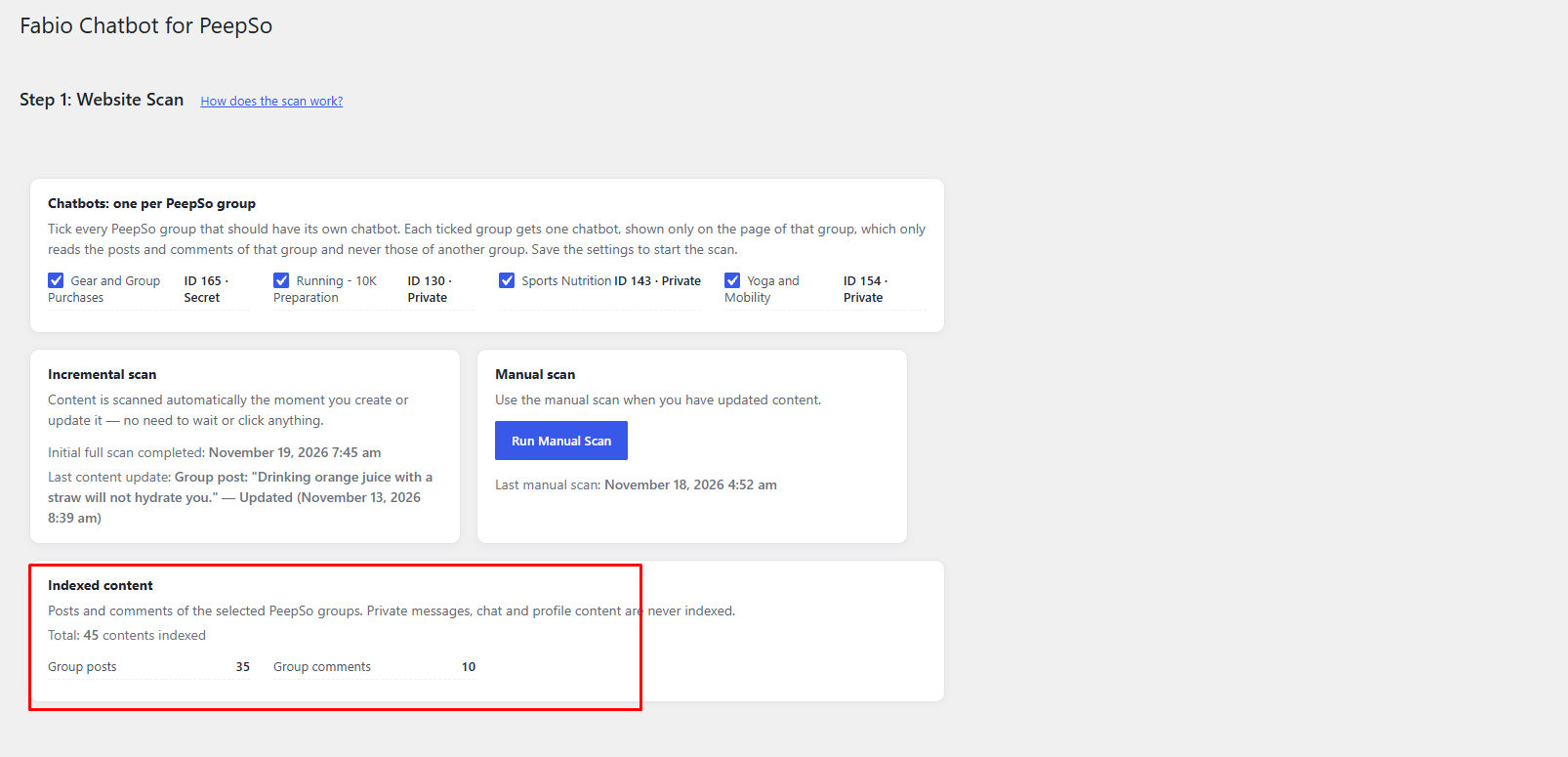
That’s it, you don’t need to train the AI, it scans your content by itself. The scan report shows how many group posts and group comments have been scanned, and can therefore be used to answer members only.