Fabio AI Chatbot can be displayed on any website running on WordPress. There are three installation options:
Option 1: Manual Shortcode
Use the shortcode [[fabioai_chatbot]] to insert the chatbot anywhere you like — on pages, posts, or both.

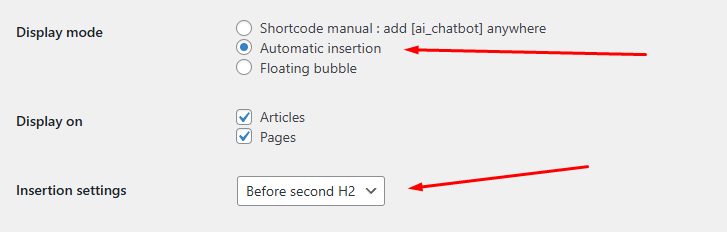
Option 2: Automatic Insertion
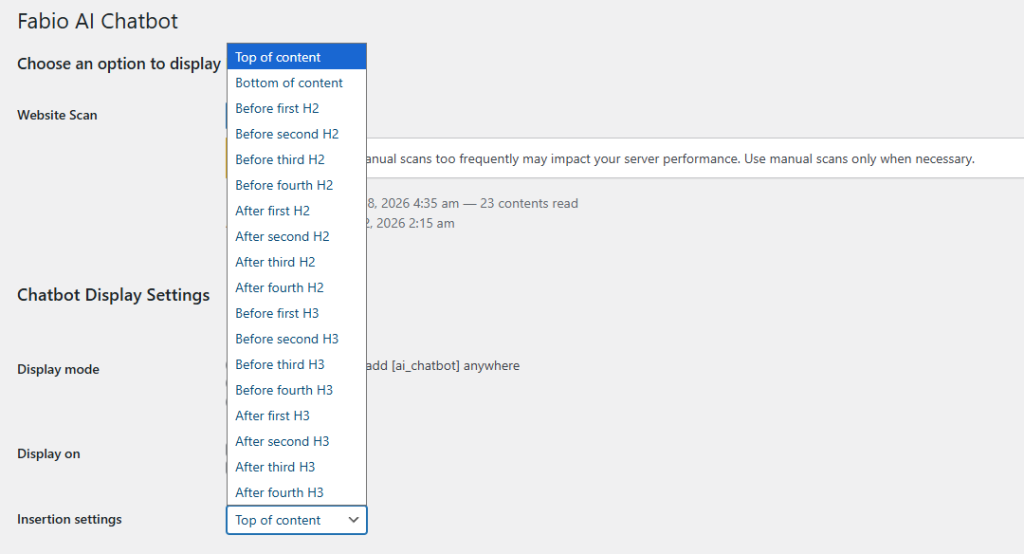
Automatically insert Fabio AI Chatbot in your preferred location:
at the top of the content, at the bottom of the content, or before or after the 1st to 4th H2 heading — on pages, posts, or both.
Option 3: Floating Bubble
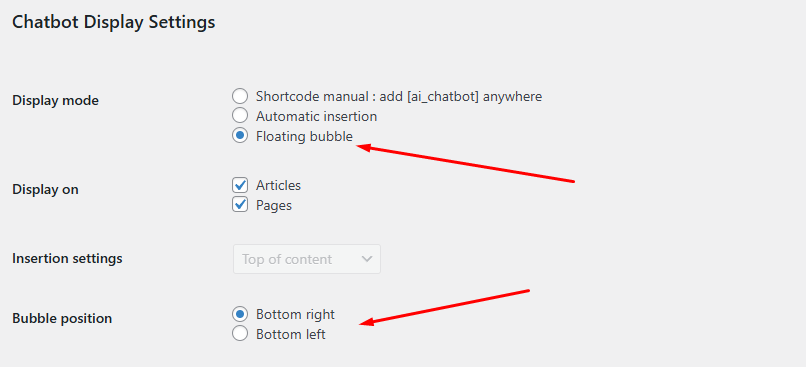
Display the chatbot as a floating bubble in the lower-left or lower-right corner of your website — on pages, posts, or both.
.

