If Fabio AI Chatbot answers “Sorry, I could not generate an answer at this time” to each question, it means that it canot connect to the API, therefore it can’t call the AI. The reasons can be :
1-You haven’t set any API for the Chatbot, you need to do so as explained here : https://fabio-plugins.com/installation-guide/#step-09.
2-Your have run out of API tokens, you need to refill your account :
To refill your OpenAI API, click here : https://fabio-plugins.com/set-openai-key/
To refill your Gemini API, click here : https://fabio-plugins.com/set-gemini-key/
To refill your Mistral API, click here : https://fabio-plugins.com/set-mistral-key/.
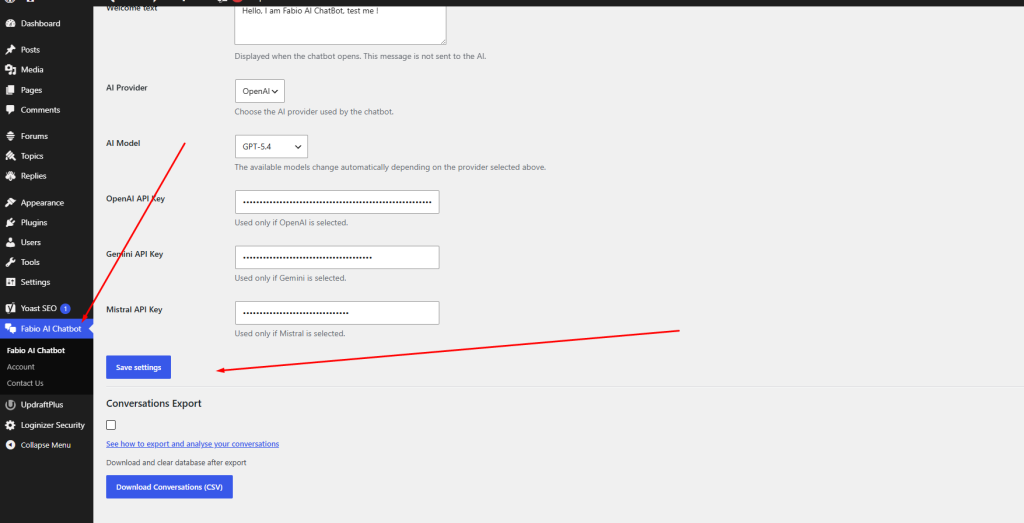
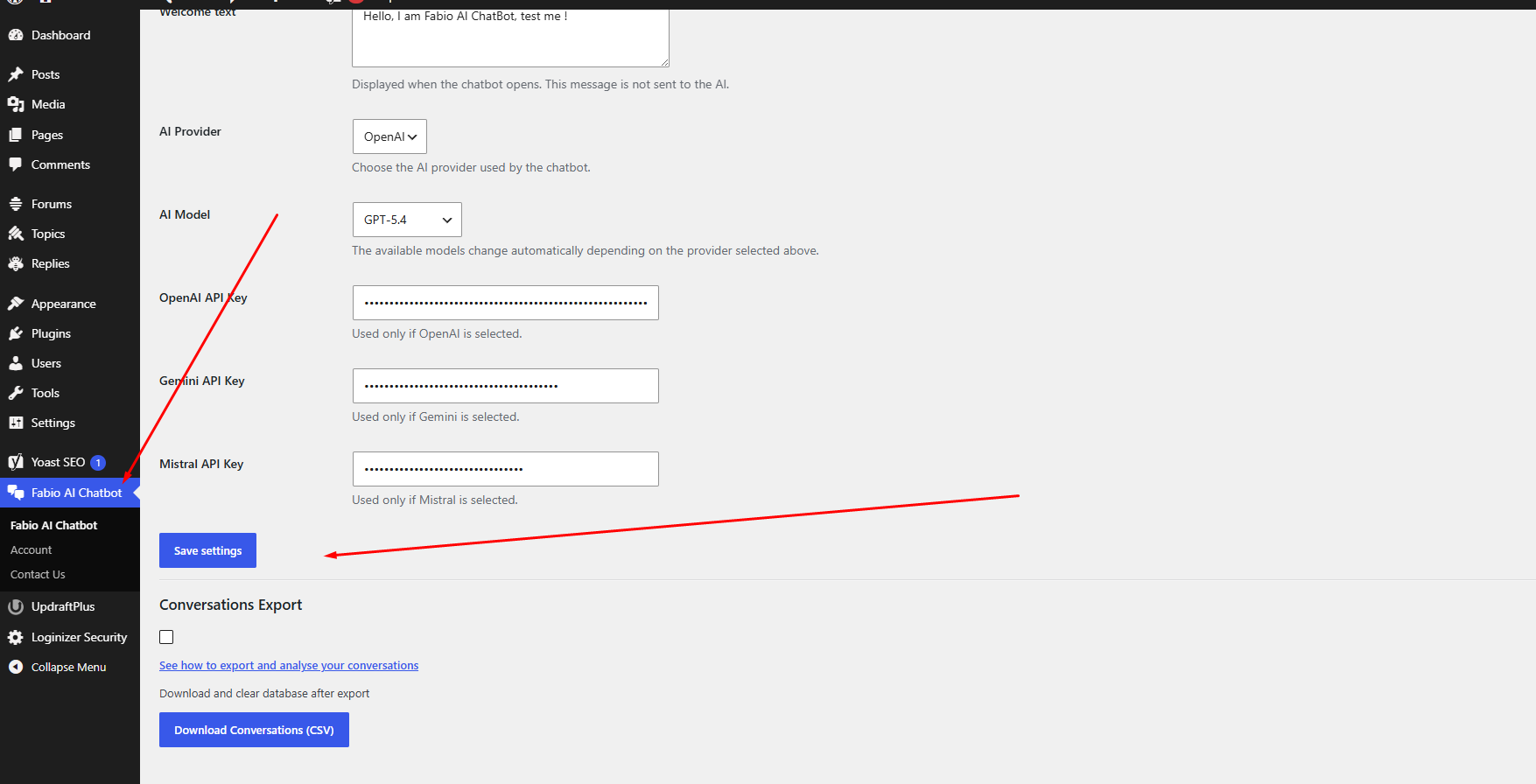
If your API account has been refiled but y=the Chatbot still answers “Sorry, I could not generate an answer at this time”, you need to re-save Fabio AI Chatbot settings. To do this, go to Fabio AI Chatbot back end, scroll all the way down and click on “save settings” as on the screenshot below :